You paste the website of
Brasa Café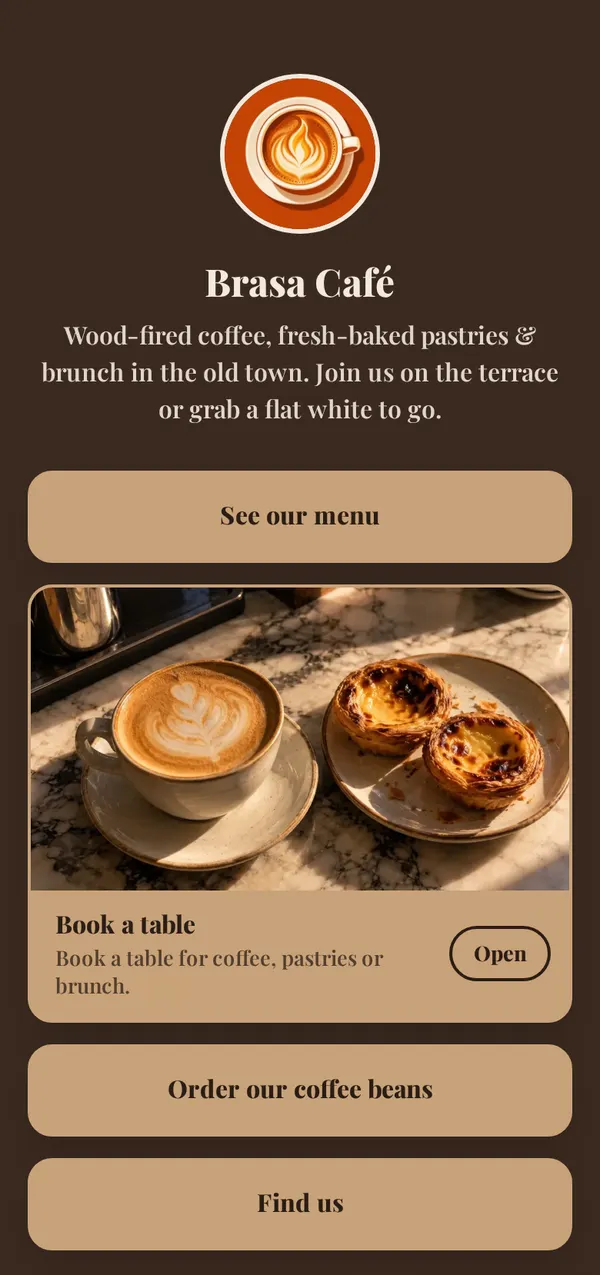
Brasa Café, a caféBuilt in 10.1 seconds
Paste your Instagram, TikTok, website or YouTube. In seconds our AI writes your bio, turns your best links into buttons, picks your photos and suggests a theme that fits. Try it right here, no sign-up.Paste your Instagram, TikTok, website or YouTube. Our AI builds your page in seconds. Try it here, no sign-up.
Free · No sign-up to try · Then 5 builds a day
0.0 s
Your page is built.
sFree. Sign up and it’s waiting in your editor, ready to change and save.
We made up three small businesses, gave each a simple website and pasted its link. This is exactly what came back, with nothing changed.
You paste the website of
Brasa CaféBrasa Café, a caféBuilt in 10.1 seconds
You paste the website of
Fern & Clay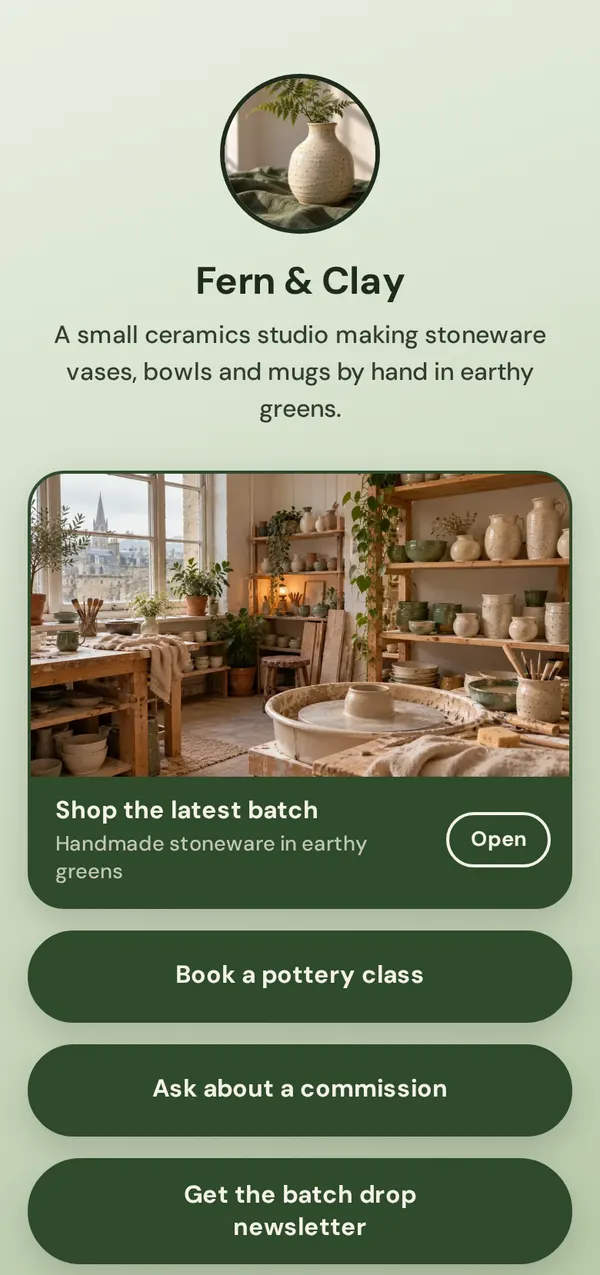
Fern & Clay, a pottery studioBuilt in 8.5 seconds
You paste the website of
Kings Cuts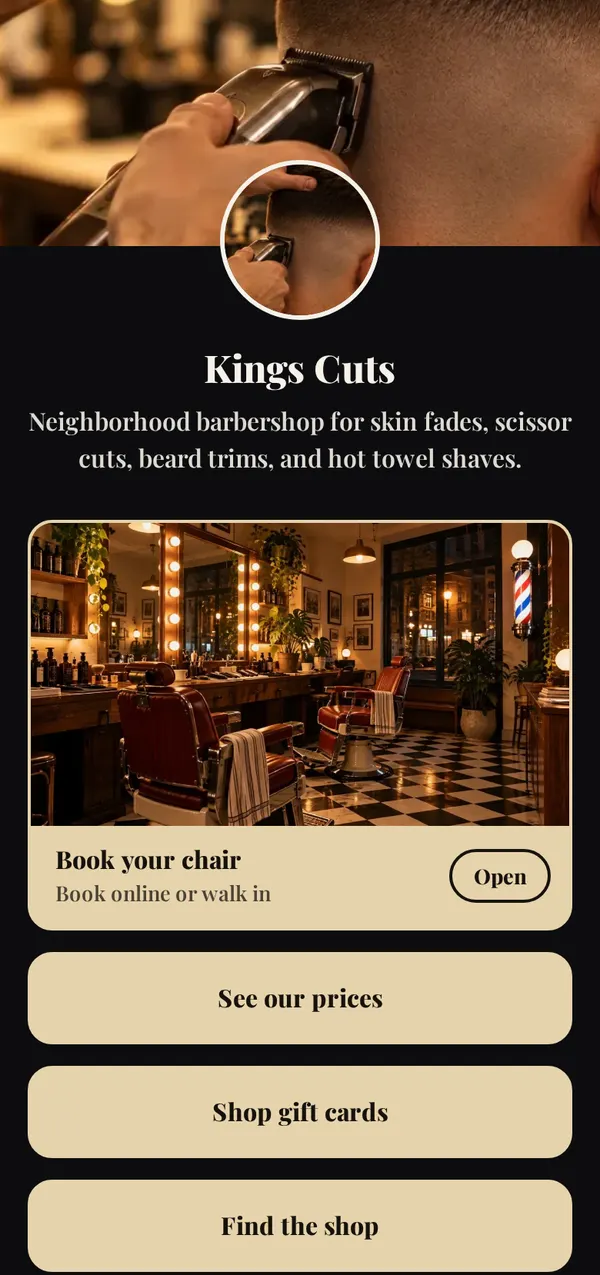
Kings Cuts, a barbershopBuilt in 8.8 seconds
The businesses are made up; the websites, the builds and the timings are real. Most builds take 3 to 9 seconds. Each phone shows one of the three themes the AI suggested. Your page comes out different every time, and you can change all of it.
Up to 5 links at once, plus a line about you if you like. It reads what each one shows publicly.
No links yet? Tell it in a sentence what you do, and it builds from that. A LinkedIn link gives only your name.
Everything lands in your editor as a draft. Keep what you like.
Short, in your voice, from what your links say about you. Or the exact one you wrote.
Titled like calls to action (“Book a session”, “Watch my latest video”), best first, grouped into sections when there are many.
A big featured card with a photo, and a gallery of three, picked from your website or Instagram.
From a YouTube channel: your latest video as a featured card, ready to play.
Your Instagram, TikTok, YouTube and the rest, in one row under your name.
Picked to match your brand’s colors and vibe. Try them with one tap.
Claim your link.bio/name with your email or Google. No password, no card.
It’s the first choice when you sign up, and the “Build with AI” button in your editor later. Paste your links or a line about you.
Choose one of three bios and three themes, change anything you like, then save. Your page is live and ready for your bio.
Yes. Every Link.bio account gets up to 5 builds a day, free, and a build that fails doesn’t count. You don’t need a card.
Yes. Paste your link or a line about you at the top of this page and it builds your page right there, up to 2 times a day. If you like it, tap Claim: sign up and it’s waiting in your editor, ready to change and save.
Your Instagram, TikTok, Facebook, X or Threads profile, your website, a YouTube channel, Spotify or SoundCloud, GitHub, Bluesky or an old link-in-bio page like Linktree. Up to 5 links at once. No links? Tell it in a sentence what you do.
Yes. A private Instagram still shows your name, picture and bio to everyone, so the AI uses those. It can’t see your posts.
No. Everything it makes goes into your editor first. You pick a bio and a theme, change what you like, and only Save makes it public. “Undo it all” takes the build back.
A few seconds: most builds take about 5. An Instagram profile can take a little longer the first time we read it.
Everything. It’s your normal editor: rewrite the bio, rename or reorder buttons, delete what you don’t want, try other themes. Or tap Build again for a fresh take.
OpenAI’s models write the suggestions. What you type and the public details from your links are sent only to build your page, and aren’t used to train OpenAI’s models. Our Privacy Policy has the details.
Yes. Paste your Linktree link into “Build my page with AI” and it brings over your name, bio, picture, links and social icons in seconds. Then pick a theme and save.
Yes. It writes your page in your dashboard’s language: English, Spanish or Portuguese.
Last updated
Set up your page in under a minute.